Open a local file from the popup
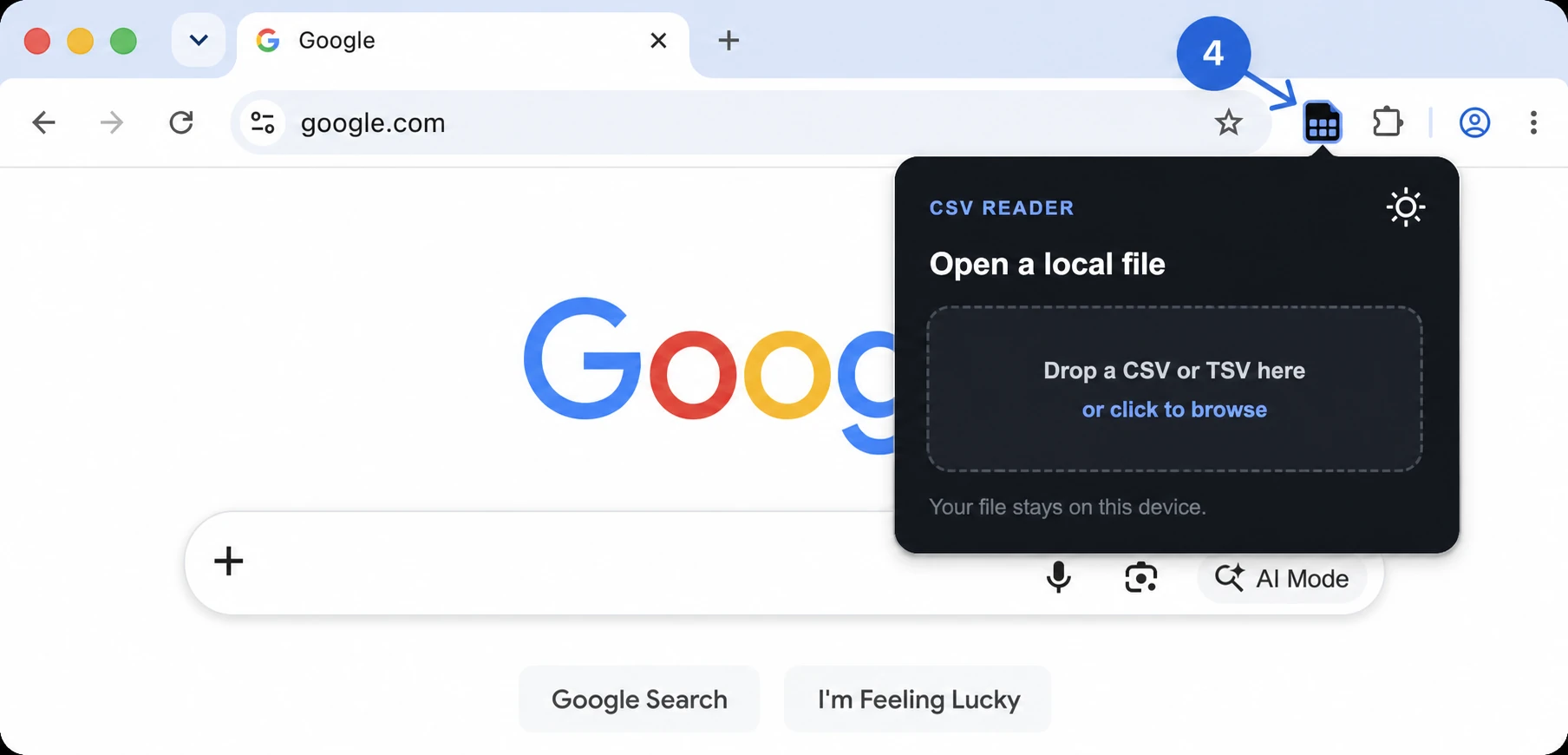
Click the pinned icon, then drop a CSV or TSV into the popup or browse for a file.

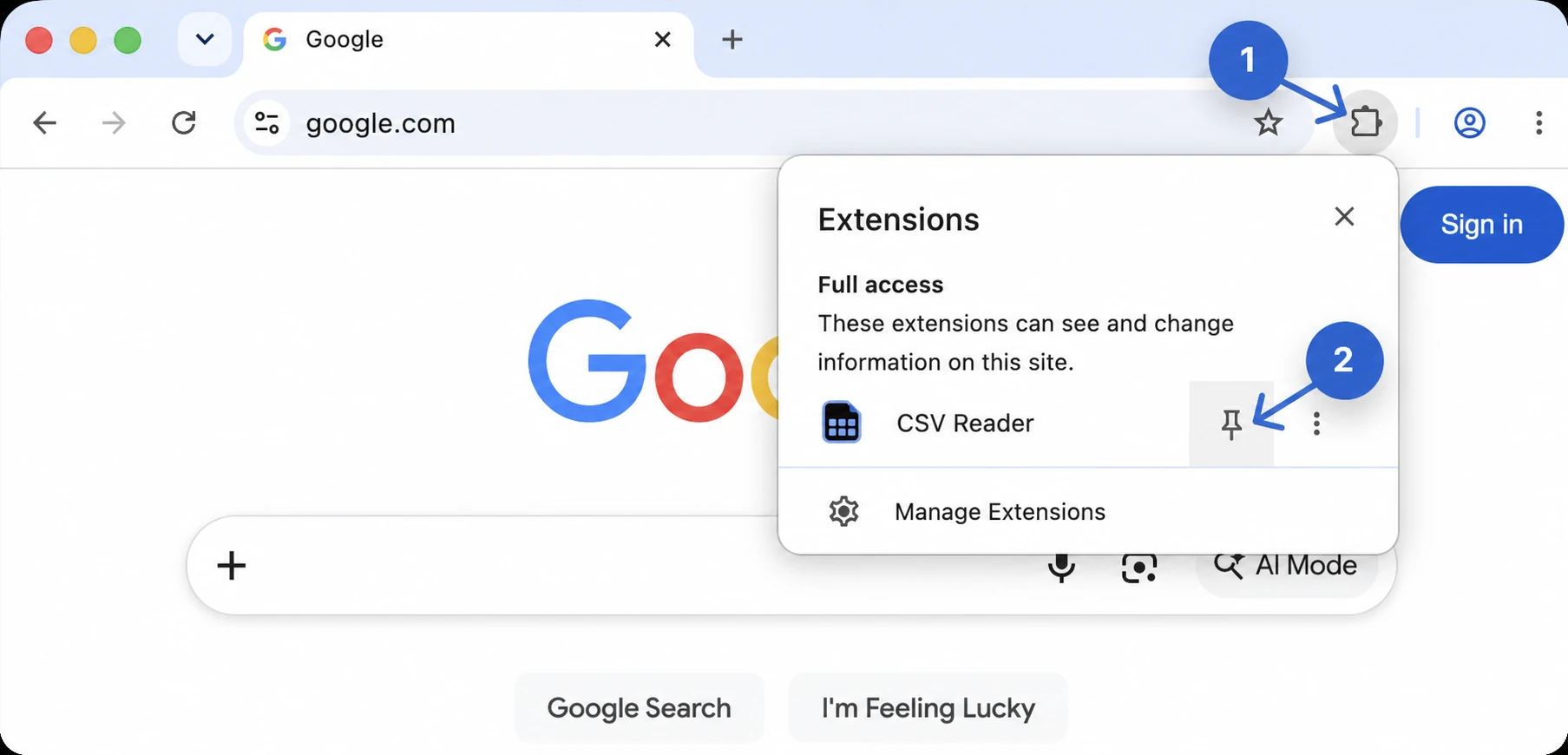
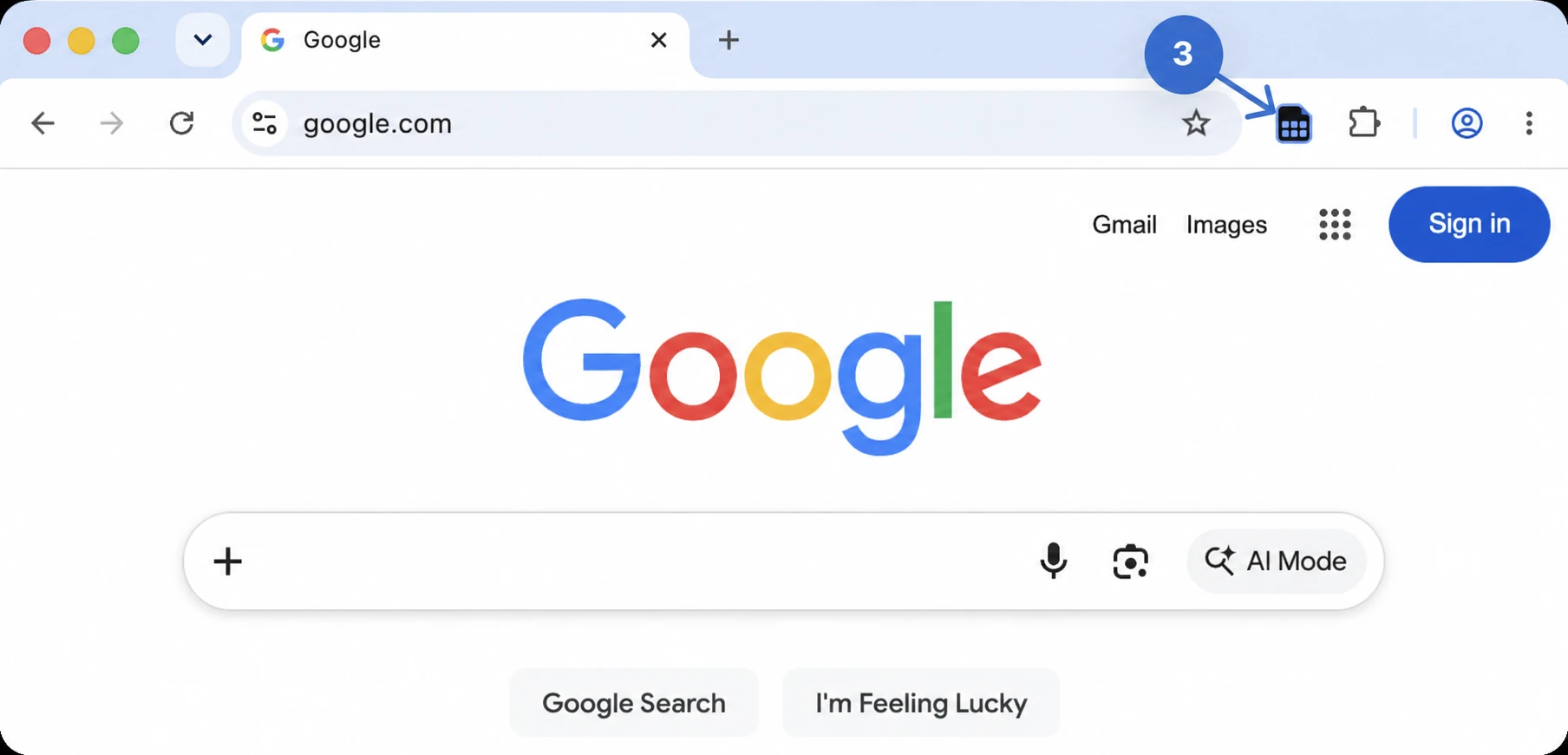
Pin it to your Chrome toolbar, then open CSV and TSV files in a couple of clicks.
Click the pinned icon, then drop a CSV or TSV into the popup or browse for a file.
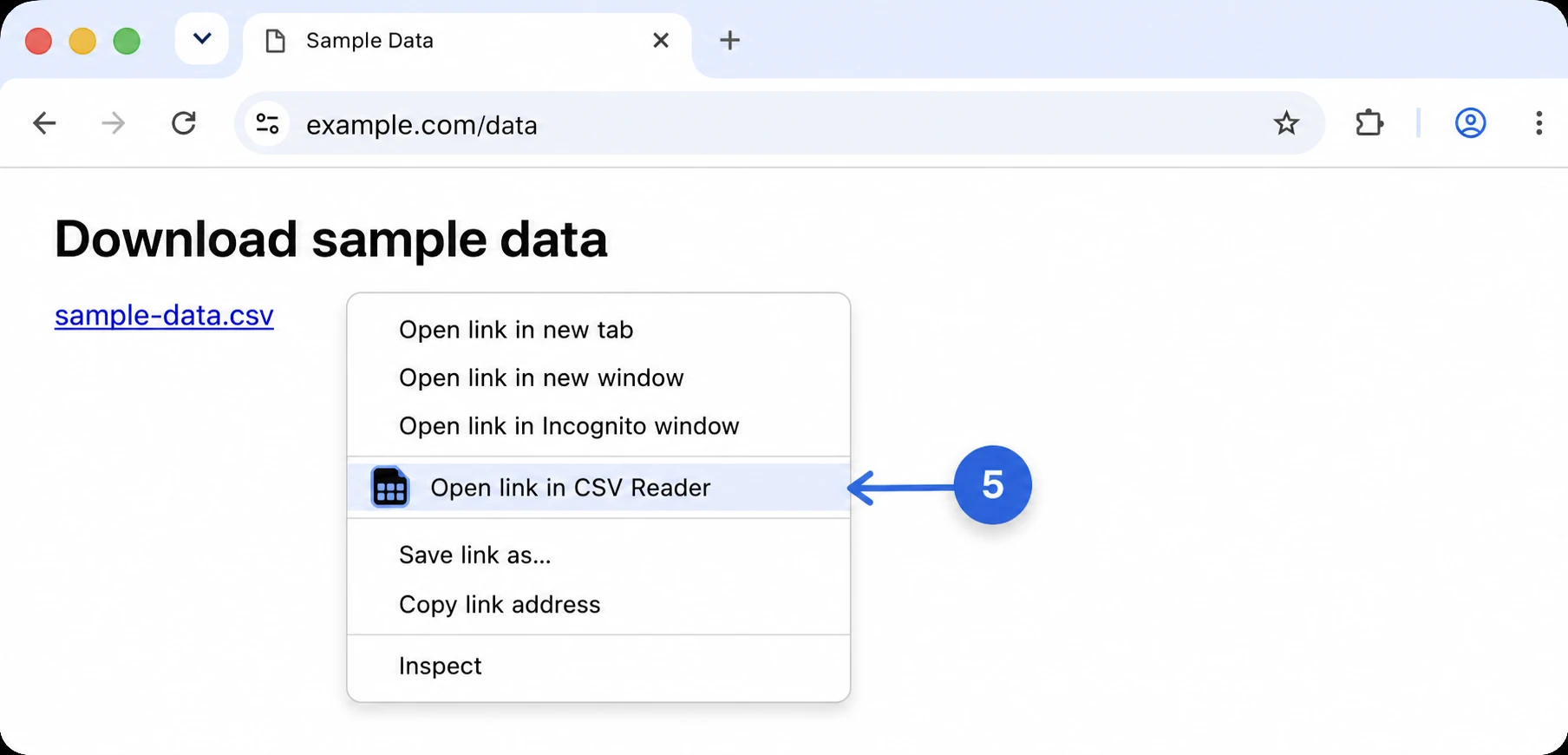
Right-click a supported link and choose “Open link in CSV Reader.”
You're all set. Your files stay on your device.